
How to Collect Birthday Party Photos with a QR Code
Collect birthday photos and videos from every guest with one QR code, no app required. Plan the upload link, signs, privacy, live slideshow, and follow-up.

The easiest way to collect birthday party photos from guests is to create one event album, share its upload page through a QR code, and let people contribute from their phone browsers without installing an app. Put the code where guests pause, test it before the party, and keep uploads open long enough for late additions.
One clear destination works better than chasing photos through texts, group chats, and social posts after everyone goes home.
#How does a birthday photo QR code work?
The host creates an event album and receives a share link. That link becomes a QR code on invitations, table signs, or a display at the venue.
Guests follow a short flow:
- Scan the QR code with the phone camera.
- Open the birthday upload page.
- Choose photos or videos.
- Submit them to the host's event album.
With LumiFrame Album Events, guests can upload through the browser without full album-management access. The host uses the LumiFrame app to schedule the event, manage the album, and run a live display.
#When should you create the birthday album?
Set it up several days before the party. That gives you time to test the link on both iPhone and Android, print the QR code, and add a few starter memories.
An empty upload page can make guests wonder whether the system is working. Add a welcome image, a favorite photo of the birthday person, or a few moments from party preparation so the collection already has a pulse.
If the birthday spans a weekend or includes a separate family dinner, schedule an upload window that covers the whole celebration without leaving the link open forever.
#Where should you display the QR code?
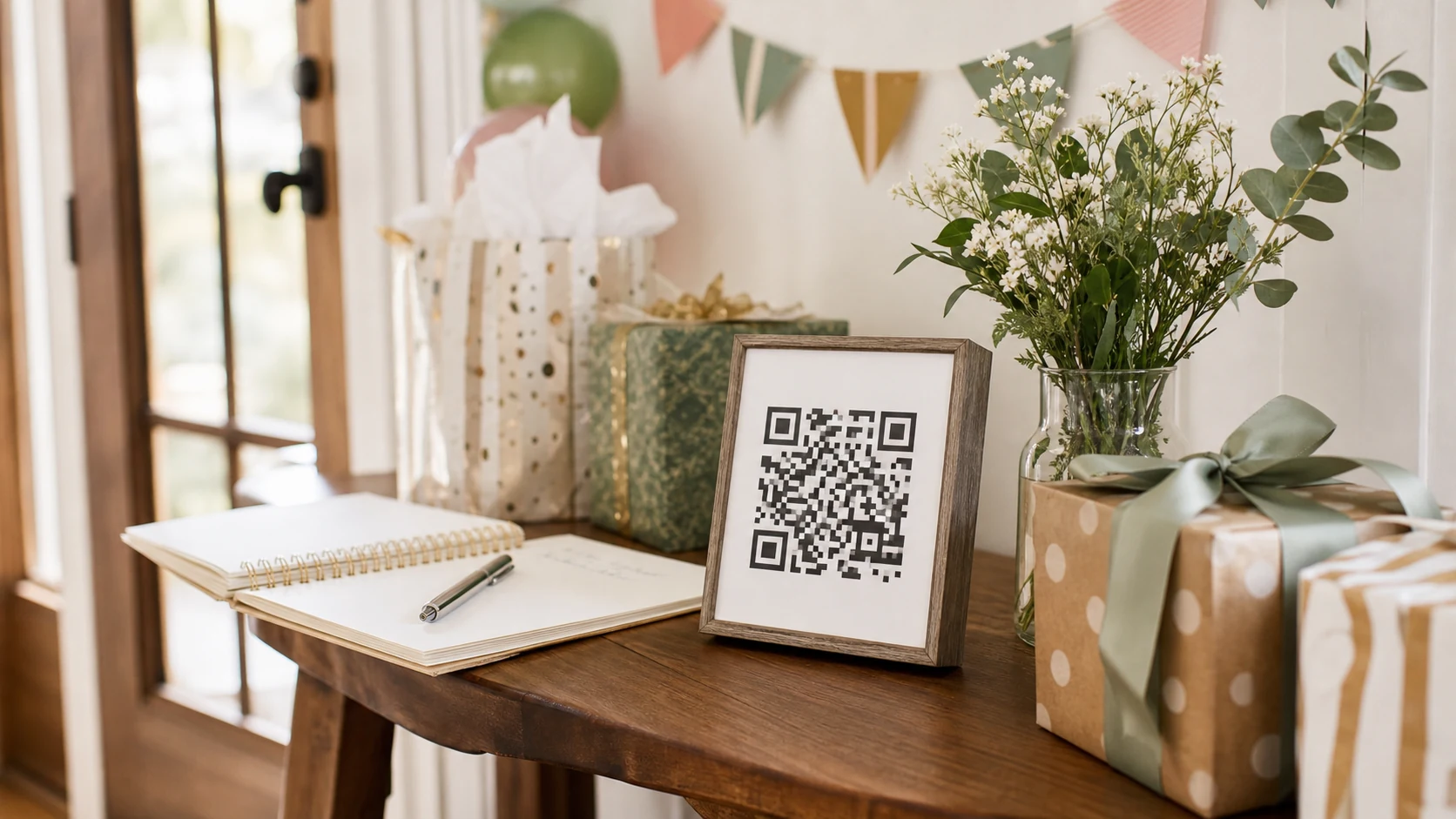
Place the code where people naturally stop and have a free hand:
- Beside the guest book or gift table
- On table cards
- Near the cake or photo backdrop
- On the party program
- On a welcome sign
- Full-screen on a tablet or TV
Do not rely on one sign at the entrance. Guests arriving with coats, gifts, and children are unlikely to stop and upload immediately.
Use a short instruction beside the code: Scan to add your birthday photos and videos. No app required. The sentence should explain what happens before anyone scans.
#How do you get guests to upload photos?
Reduce friction and make participation visible.
- Ask two close friends or relatives to upload early.
- Mention the album once during a welcome or toast.
- Let a live slideshow show that contributions are appearing.
- Keep the process optional and quick.
- Leave time after the party for people who prefer uploading from home.
Avoid repeated announcements. One warm invitation, visible signs, and an active display are usually more effective than turning photo sharing into an obligation.
#Should you add a PIN to the birthday album?
Use a PIN when the party is private, the venue is public, or the QR code appears somewhere it could be photographed and shared outside the guest list.
LumiFrame Album Events can require a six-digit PIN in addition to the event link. Print the PIN near the QR code for invited guests, or provide it separately when tighter control is needed.
A PIN does not replace moderation. The host should still know how to review the album and remove an unwanted upload.
#Can birthday photos appear in a live slideshow?
Yes. A live birthday slideshow can display new event memories as guests add them.
Use a tablet on a stand or cast the album to a supported TV. Place the display where it adds atmosphere without competing with the party. A slideshow near the food or seating area often works better than making it the centerpiece.
Before going live:
- Test the venue's Wi-Fi and cellular coverage.
- Choose calm transitions and readable timing.
- Check how portrait photos fit the display.
- Decide whether videos should play sound.
- Assign one person to watch for inappropriate uploads.
The display creates a useful loop: a guest uploads, sees the memory appear, and shows someone else where to scan.
#What should happen after the birthday party?
Close guest uploads when the event window ends, then review the collection while the day is still fresh.
Remove accidents and duplicates, favorite the strongest memories, and invite close family members to the long-term album if appropriate. The event link served a temporary collection job. Ongoing family access should use deliberate album membership and permissions.
Download irreplaceable originals or maintain another backup according to your family's storage plan. A shared album is easier to enjoy when it is also part of a responsible archive.
#What kinds of birthdays work well with a QR photo album?
The same approach works across very different celebrations:
- Children's parties where several parents are taking photos
- Milestone birthdays with speeches and old family pictures
- Surprise parties where the host wants every angle
- Destination birthdays spread across several days
- Small family dinners where relatives use different phones
For children's events, be particularly thoughtful about consent and who receives long-term access to the album.
#Frequently asked questions
#Do guests need an app to upload birthday photos?
No. LumiFrame Album Event guests scan the QR code or open the event link and upload through a supported phone browser.
#Can guests upload videos as well as photos?
Yes. Album Events accept photos and videos, subject to event upload counts, storage limits, supported formats, and the host's plan.
#Can I print the QR code before the event starts?
Yes. Schedule the event in advance, generate the code, and test the landing page before printing signs. Uploading becomes available during the configured event window.
#How long should birthday uploads stay open?
Keep the window open through the event and long enough for guests to contribute afterward. Close it once late uploads have reasonably arrived so a temporary party link does not remain active indefinitely.
LumiFrame Album Events collect birthday photos and videos into one host-managed album, support an optional PIN, and can feed a live slideshow while the celebration is still happening.
#Keep reading
Album Events guide · Wedding guest photo collection · Private digital frame checklist